
Elemmerce Woo Archive Carousel helps in showcasing your products carousel on any page, offering styling options from which you can present your product carousel to your viewer within minutes. You can follow the guideline below to configure and style your Elemmerce Woo Archive Carousel.
HOW TO ACTIVATE Elemmerce Woo Archive Carousel? #
First of all make sure you have installed and activated WooCommerce plugin. After that install and activate Elemmerce plugin. Elemmerce Archive Carousel will be activated automatically and you can locate the widget in elementor.
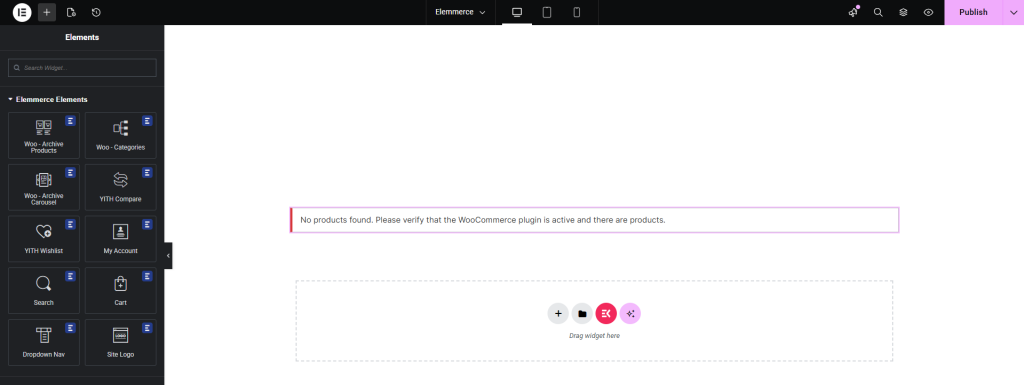
Note : Please make sure you have added products otherwise error will be displayed.
How to add Elemmerce Woo Archive Carousel? #
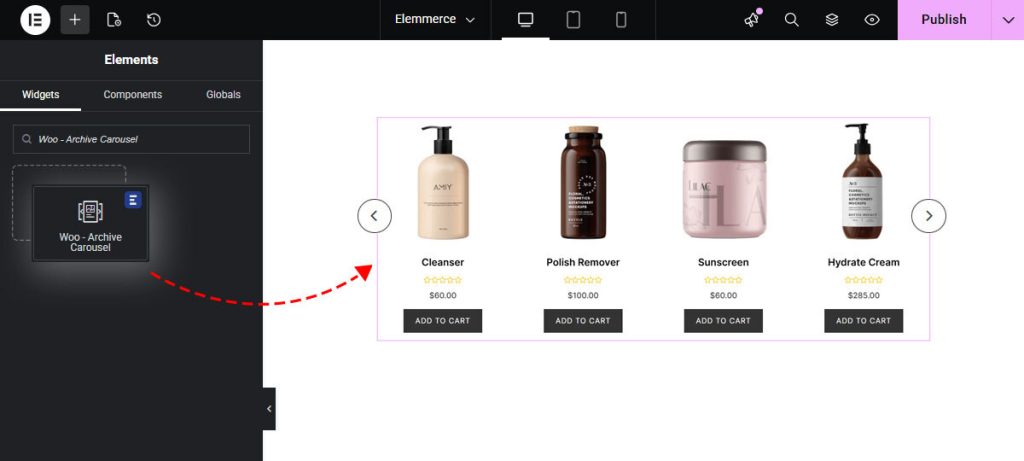
To utilize the Elemmerce element, open your desired page in Elementor (existing or new). Navigate to the ‘Elements’ tab and use the search option to find the ‘Woo – Archive Carousel’ element. Now simply drag and drop the widget onto the page or the ‘+’ section as shown in example.
Configuring widgets Settings
CONTENT TAB #
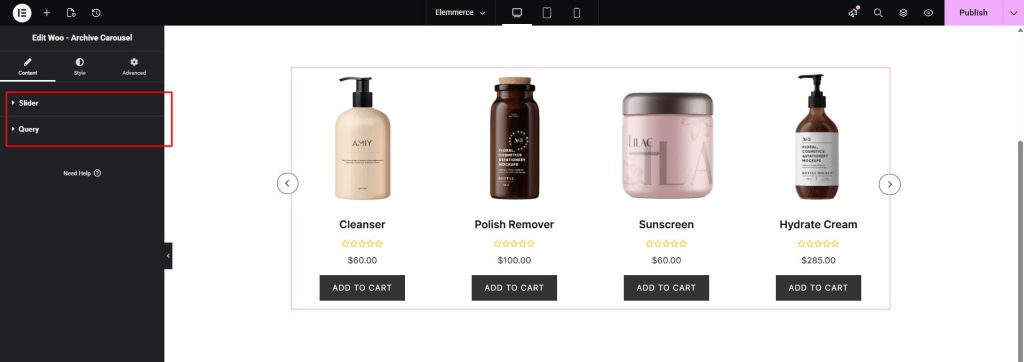
Under Content Tab you will find Slider and Query sections.
How to Setup Product Numbers #
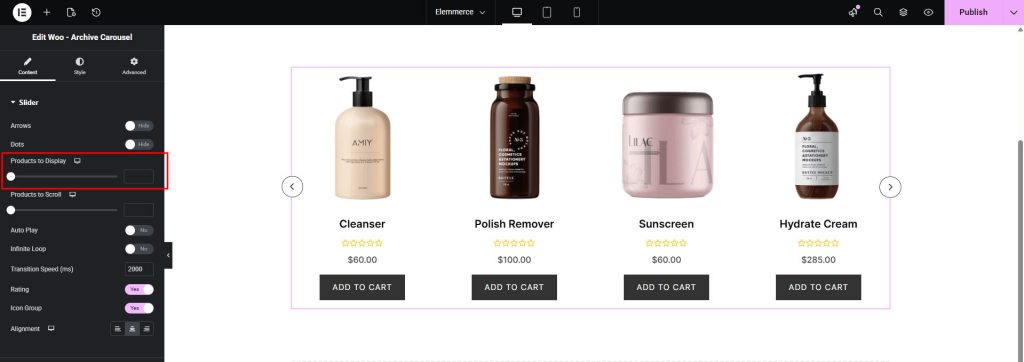
In slider section use the Product to Display option to set the number of products in your page.
How to Setup Product Scroll Numbers #
In slider section use the Product to Scroll option to set the number of products while scrolling carousel widget in your page.

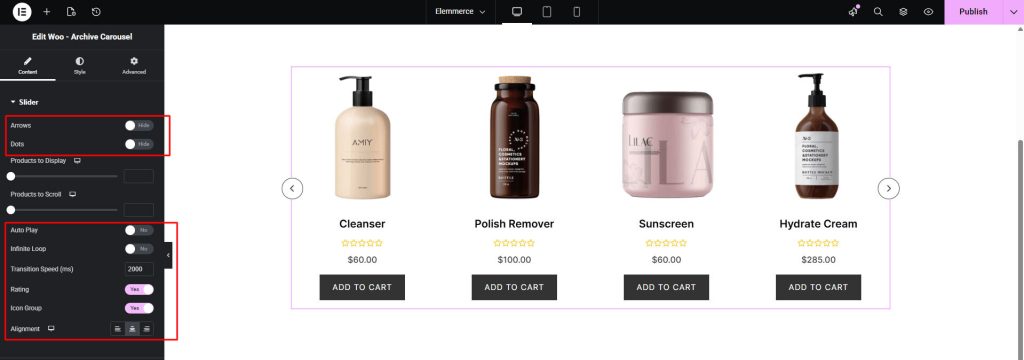
Other Slider section options are:
- Arrows
- Dots
- Auto Play
- Infinite Loop
- Transition Speed (ms)
- Rating
- Icon Group
- Alignment
How to Setup Query Management #
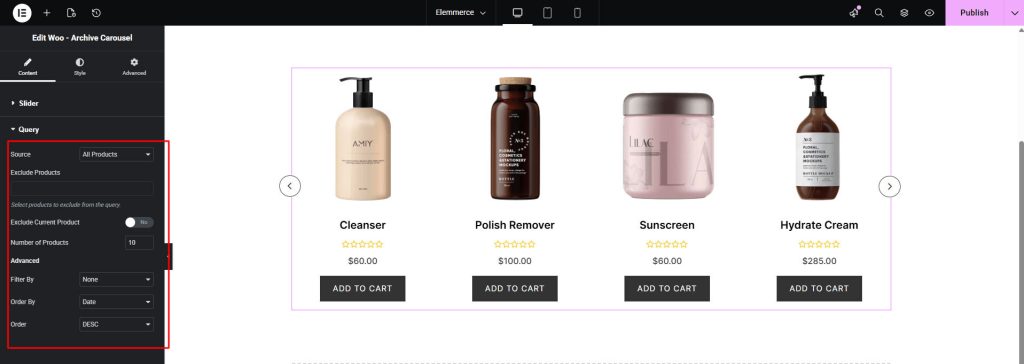
Under the Query tab, you will find source option where you can display your product using custom query or manual query. In Advance option you can filter your product using different options. For more query detail please click the link below:
STYLE TAB #
How to Style Elemmerce Woo Archive Carousel?
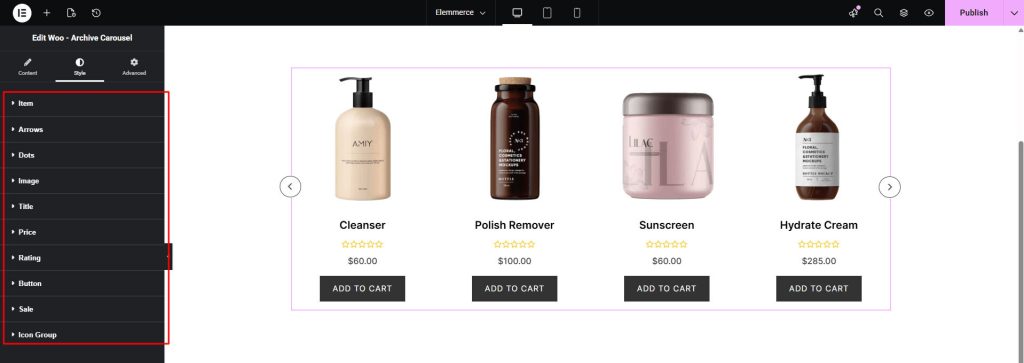
Customizing your Woo Archive Carousel with image, colors, text, alignment and other adjustment you need to go to Style Tab. Style Tabs contains following options:
- Item
- Arrows
- Dots
- Image
- Title
- Price
- Rating
- Button
- Sale
- Icon Group